Message templates and the 24-hour window
6 minLast updated: 29 October 2026
Inside 24 hours of a customer's last message you can reply freely. After that, WhatsApp only allows pre-approved templates.
Step by step
1How the 24-hour window works
Every time a customer messages you, a 24-hour window opens. Your AI agent and your team can send any message in that time, and these replies are free.
2Outside the window, use a template
To message someone who hasn't written in 24 hours (a reminder, a follow-up, an offer), WhatsApp requires a template Meta has approved. ROSA's reminders and follow-ups use these automatically.
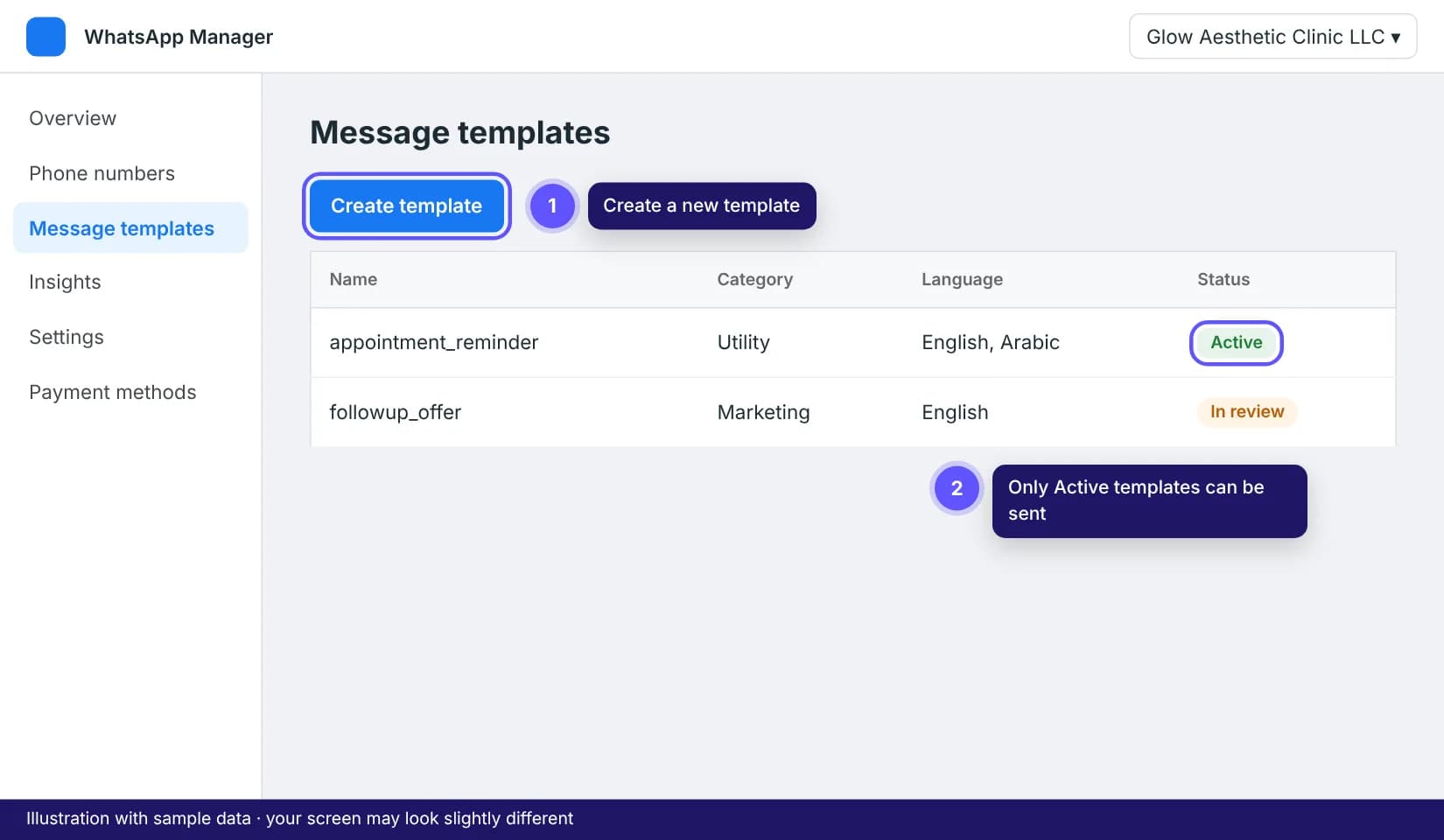
3Pick the right category
Utility: about something the customer already did, like a booking confirmation or reminder (cheapest). Marketing: offers, news, re-engagement. Authentication: one-time login codes. Choosing the wrong one is the top rejection reason.
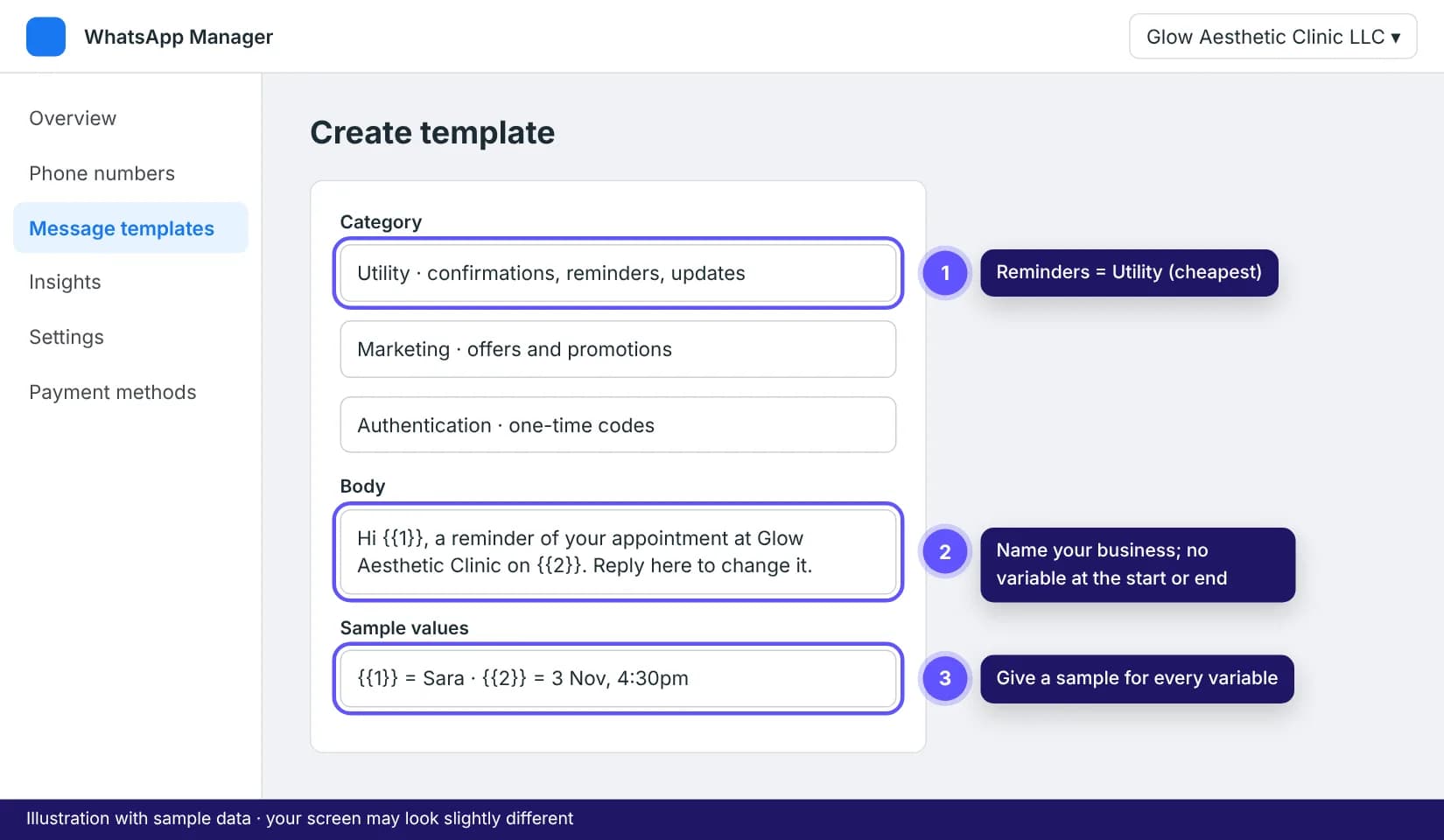
4Write it so it gets approved
Keep it short and clear, name your business, and use variables like {{1}} for the customer's name or time with a sample value. Don't start or end with a variable, and don't put two variables side by side. Approval usually takes minutes, sometimes up to 24 hours.
Tips that save time
- ROSA sets up your reminder and follow-up templates in English and Arabic for you. You only write your own if you want custom campaigns.
- People who reply STOP never get templates from you again. Keep marketing messages useful and not too frequent.