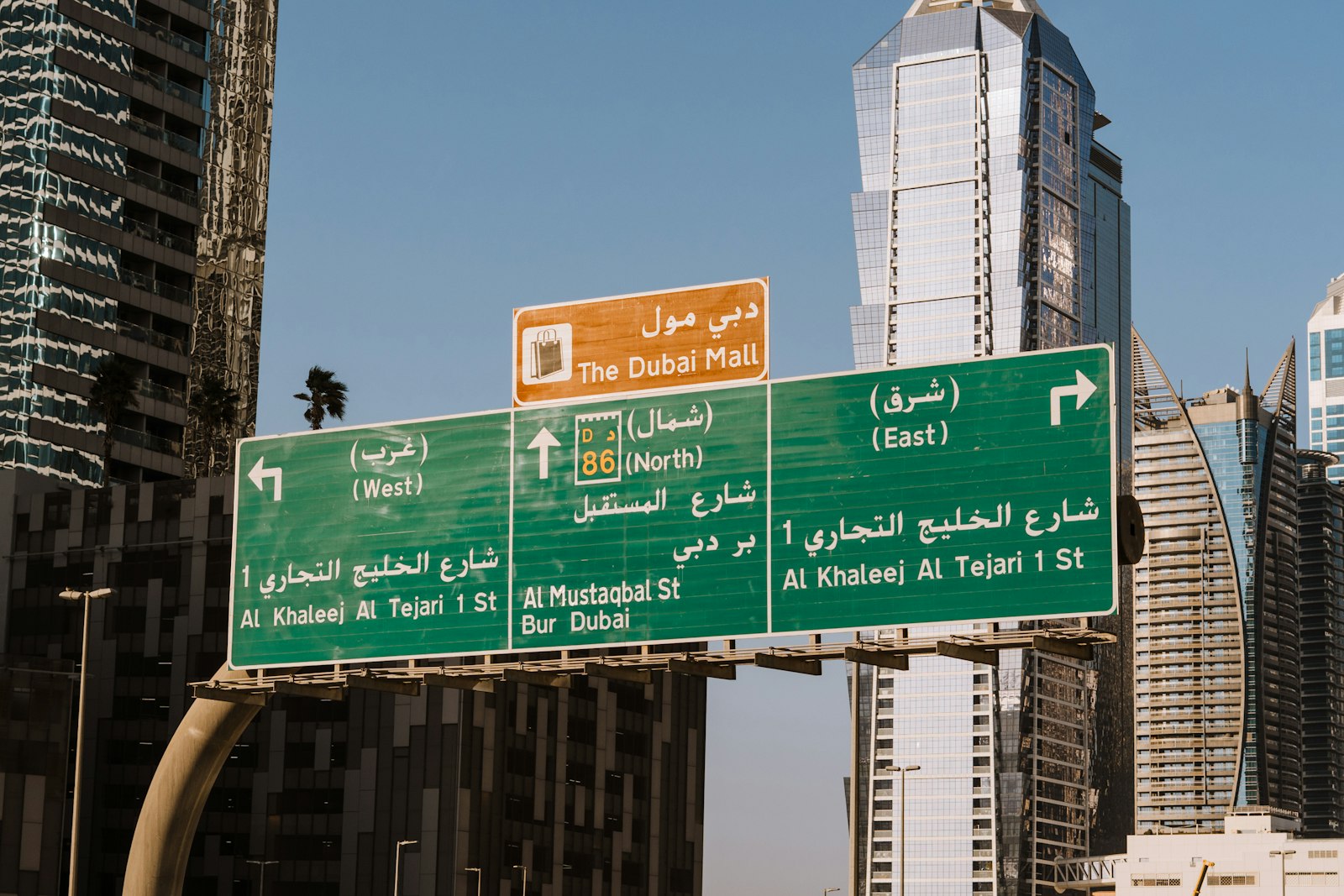
Bilingual SEO in the UAE: Ranking in Arabic and English
Bilingual SEO in the UAE means building two genuinely separate search presences, one in Arabic and one in English, that search engines can connect but never confuse. It is not the same as translating your English site. To rank in both languages you need a separate URL for every language version, reciprocal hreflang tags, Arabic keyword research done on its own terms, native Arabic copy, and technical details such as right-to-left layout, Arabic metadata and language-specific sitemaps. This guide walks through each part and ends with a launch checklist you can use before going live.
Why Bilingual SEO Is Different From Translation
Many UAE websites launch in English and then add an Arabic version by running the existing pages through a translator. The result usually reads awkwardly, targets the wrong search terms and sends mixed signals to search engines. Translation answers the question “what does this page say in Arabic?” Bilingual SEO asks a different question: “what is an Arabic-speaking customer actually searching for, and what page would answer it best?”
Arabic and English searchers in the UAE often behave differently. They may use different terms for the same service, mix English brand names into Arabic queries, write in Gulf dialect rather than Modern Standard Arabic, or type Arabic words in Latin characters. A page that simply mirrors the English version can miss all of that. Treat each language as its own market with its own research, content plan and measurement.
Give Every Language Its Own URL
Search engines index URLs, not toggles. If your site switches language using cookies, browser settings or JavaScript while the address stays the same, a crawler will usually see only one version. Every language version of a page needs its own crawlable URL.
The common structures are:
- Subdirectories, such as
example.ae/en/andexample.ae/ar/. This is often the simplest to manage because both languages share one domain’s authority. - Subdomains, such as
ar.example.ae. This works but can be treated more like a separate site. - Separate domains. Rarely necessary for a single UAE business and harder to maintain.
Whichever you choose, keep the structure consistent, avoid automatic redirects based on a visitor’s IP address or browser language, and give users a visible language switcher that links to the equivalent page rather than the homepage.
Hreflang and Canonicals: Getting the Signals Right
Hreflang tags tell search engines which URLs are language alternatives of each other, so the Arabic page can be shown to Arabic searchers and the English page to English searchers. Canonical tags tell search engines which URL is the preferred version of a single page. The two must work together.
The rules that matter
- Reciprocal tags. If the English page points to the Arabic page, the Arabic page must point back to the English page. One-way hreflang is commonly ignored.
- Self-referencing tags. Each page should include an hreflang entry for itself as well as its alternatives.
- Self-canonicals. The Arabic page should canonicalise to itself, not to the English page. Pointing every Arabic canonical at the English version effectively tells search engines to ignore your Arabic content.
- Correct codes. Use
aranden, or region-specific codes such asar-AEanden-AEif you are targeting the UAE specifically. Add anx-defaultfor the fallback version.
Common mistakes we see
- Arabic pages whose title tag and meta description silently fall back to the English text because the Arabic fields were never filled in. The page body is Arabic, but the search snippet is English.
- Hreflang pointing to URLs that redirect, return errors or are blocked from indexing.
- Arabic pages that exist for some sections of the site but not others, with hreflang still pointing to missing equivalents.
- Mixed signals, where the HTML
langattribute, hreflang and the actual page language disagree.
Arabic Keyword Research on Its Own Terms
Do not start Arabic keyword research by translating your English keyword list. Start from the customer. Brainstorm how an Arabic-speaking buyer in Dubai, Abu Dhabi or Sharjah would describe the problem, then validate those phrases with keyword tools, Google’s autocomplete and related searches, and the questions your sales team hears.
Look out for:
- Spelling variants. Arabic words can be written with or without certain letters and diacritics, and with different forms of alef, taa marbuta and yaa. Searchers use all of them.
- Dialect versus formal Arabic. Some services are searched in Gulf colloquial terms, others in formal language.
- Mixed-language queries. Arabic searches often include English brand or product names.
- Search intent. The same topic can carry different intent in each language, so check what types of pages already rank in Arabic results.
Build a separate Arabic keyword map that assigns a primary term to each Arabic page, rather than inheriting the English map.
Write Native Arabic Copy
Machine translation has improved, but it still tends to produce Arabic that reads as translated. Native-quality copy written or thoroughly edited by a fluent Arabic writer builds more trust with readers and usually aligns better with how people search. Brief your writer with the Arabic keyword map, the page’s goal and your brand tone, and let them adapt examples, calls to action and phrasing to an Arabic-speaking audience rather than mirroring English sentence by sentence.
Apply the same care to the parts people forget: Arabic title tags, meta descriptions, image alt text, button labels, form messages and error pages.
Technical Details: RTL, Fonts, Schema and Sitemaps
Right-to-left layout
Set dir="rtl" and lang="ar" on Arabic pages and make sure the layout genuinely mirrors: navigation, icons with direction, breadcrumbs, sliders and form fields. A broken RTL layout hurts usability, and poor usability tends to show up in engagement.
Fonts and performance
Choose a web font that supports Arabic properly and load only the weights you need. Heavy font files slow pages down, which affects both user experience and Core Web Vitals.
Structured data
Add schema markup in the language of each page. An Arabic page should have Arabic values for names, descriptions and FAQ answers where relevant, not English text copied across.
Sitemaps
Include every language version in your XML sitemap, or use separate sitemaps per language. You can also declare hreflang relationships inside the sitemap, which is helpful on large sites. Submit them in Google Search Console and monitor indexing for each language separately.
Bilingual SEO Launch Checklist
- Every page has a unique, crawlable URL in each language.
- No automatic redirects based on IP or browser language.
- Language switcher links to the equivalent page, not the homepage.
- Hreflang is reciprocal, self-referencing and includes
x-default. - Each language version has a self-referencing canonical.
- Arabic title tags, meta descriptions and alt text are filled in natively, with no English fallbacks.
- Arabic keyword map built from Arabic research, not translation.
- Arabic copy written or edited by a fluent writer.
- RTL layout tested on mobile and desktop.
- Arabic fonts load efficiently.
- Schema values are in the page’s language.
- Sitemaps include both languages and are submitted in Search Console.
- Rankings and traffic are tracked separately for each language.
If you are planning a new bilingual site or fixing an existing one, our search engine optimization team can audit your Arabic and English setup, and our website development team can build the structure correctly from day one. You can learn more about ROSA eSolutions and how we work with UAE businesses.
Frequently Asked Questions
Can I rank in Arabic by translating my English pages?
Translation alone rarely works well. Arabic searchers often use different terms, spellings and dialect, so Arabic pages need their own keyword research and native copy to match what people actually search for.
Should Arabic and English pages use subdirectories or subdomains?
Both can work. Subdirectories such as /en/ and /ar/ are often simpler to manage because both languages sit on one domain. What matters most is a separate crawlable URL for each language and a consistent structure.
What is the most common hreflang mistake?
Missing return tags and wrong canonicals. Hreflang must be reciprocal, and each Arabic page should canonicalise to itself rather than to the English version, otherwise search engines may ignore the Arabic page.
Why does my Arabic page show an English title in Google?
Usually because the Arabic title tag and meta description were never filled in, so the site falls back to the English values. Add native Arabic metadata for every Arabic page and request reindexing.